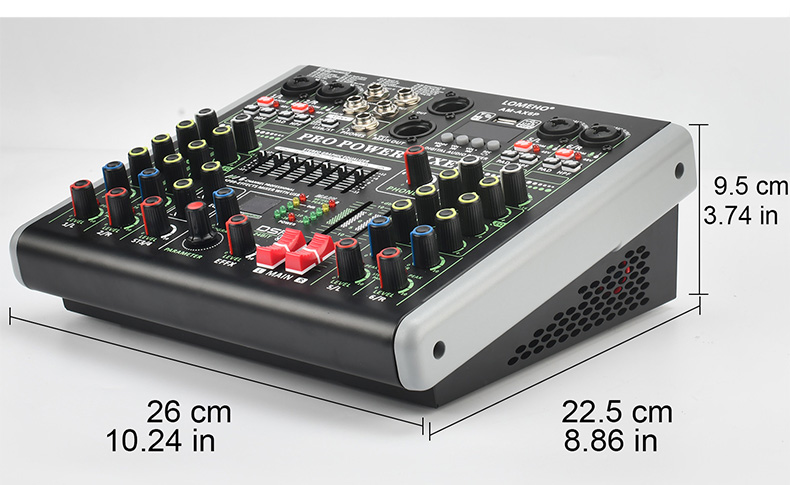
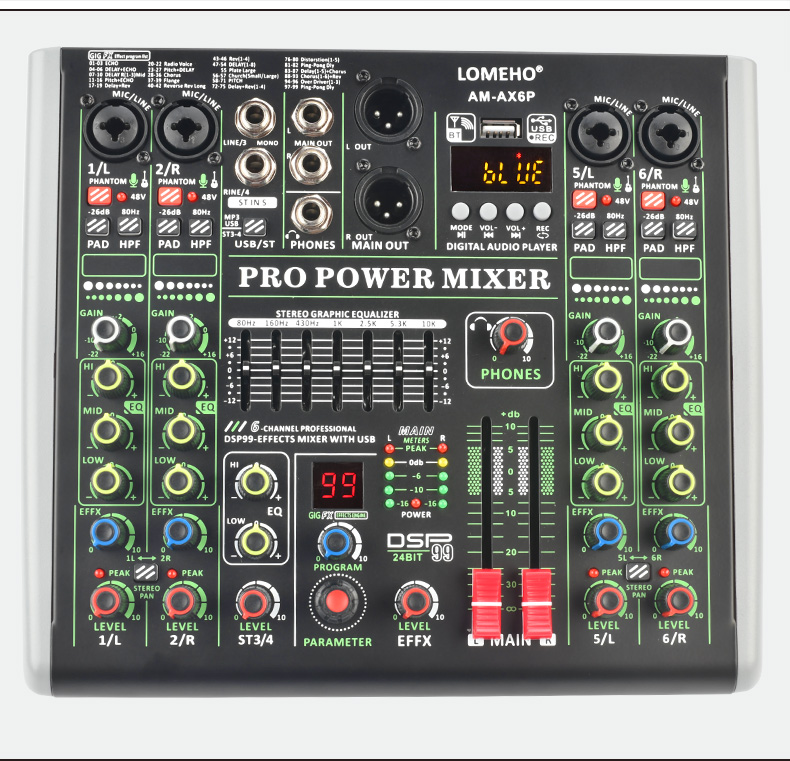
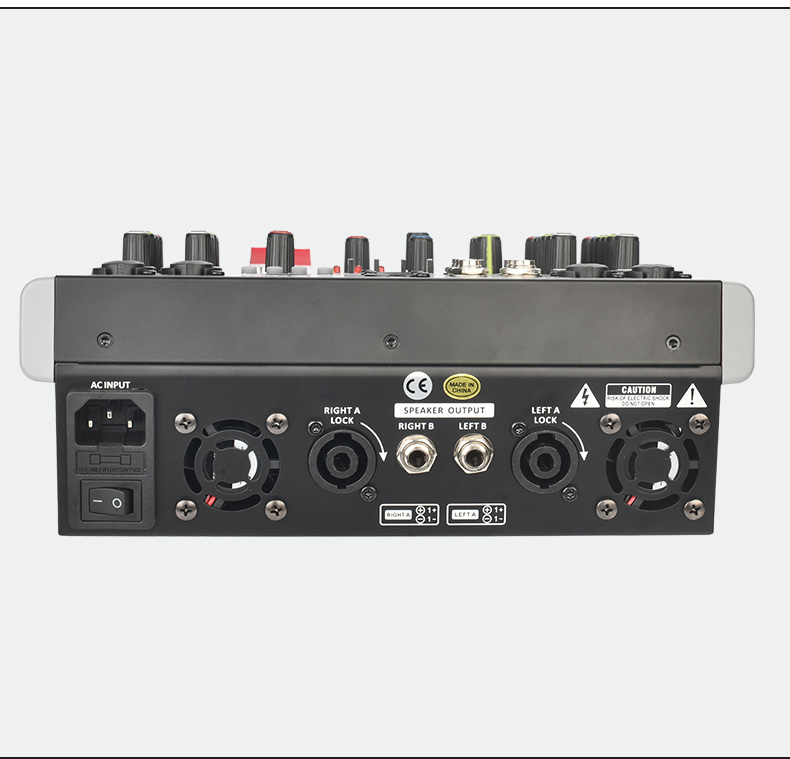
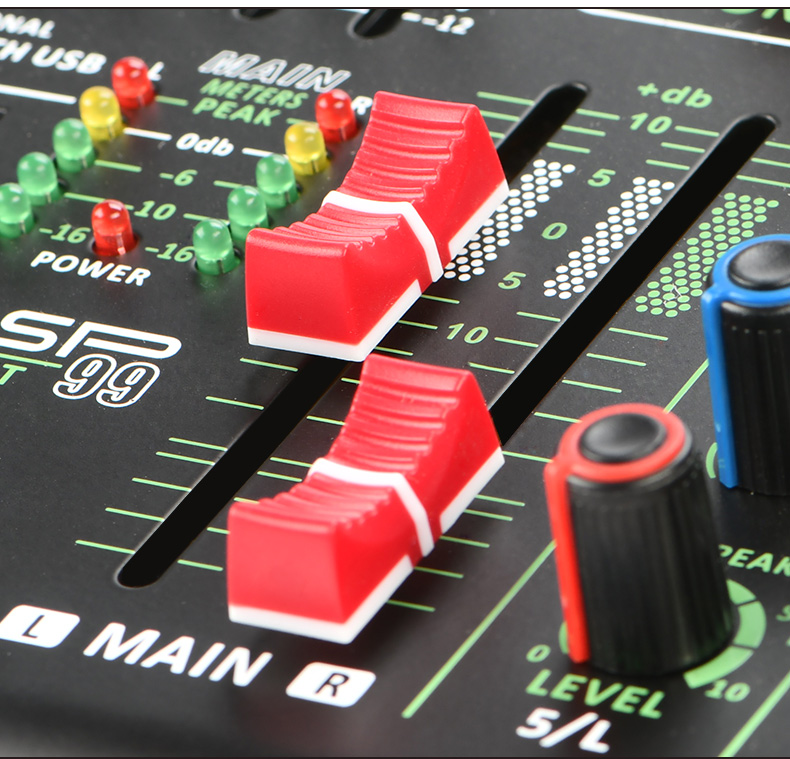
Compact Design:Portable 6-channel mixer table ideal for on-the-go audio production and live performances.
Versatile Connectivity:Seamlessly integrate with Bluetooth and USB for diverse audio sources and playback options.
Easy Operation:User-friendly interface with a clear display and straightforward controls for efficient use.
Professional Features:Individual +48V phantom power and 99 DSP effects cater to professional audio needs.
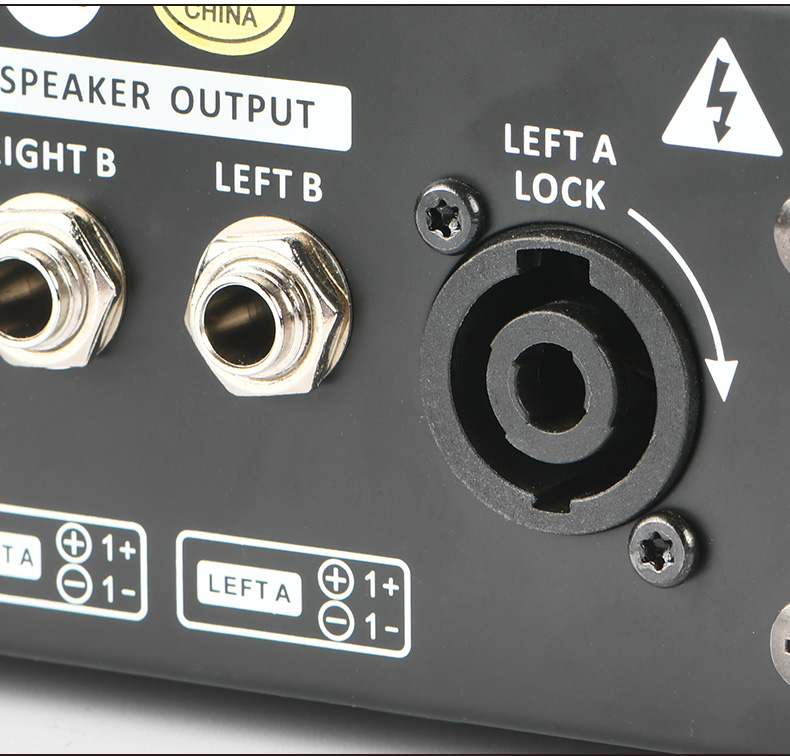
Powerful Output:Elevate your sound with 2*100W output power, ensuring a dynamic audio experience for any event.


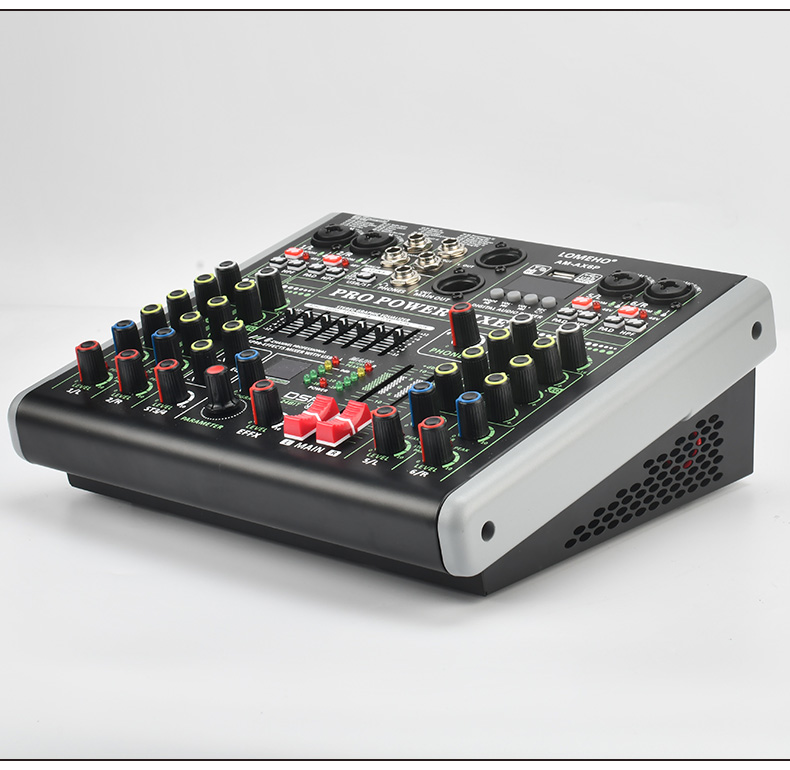
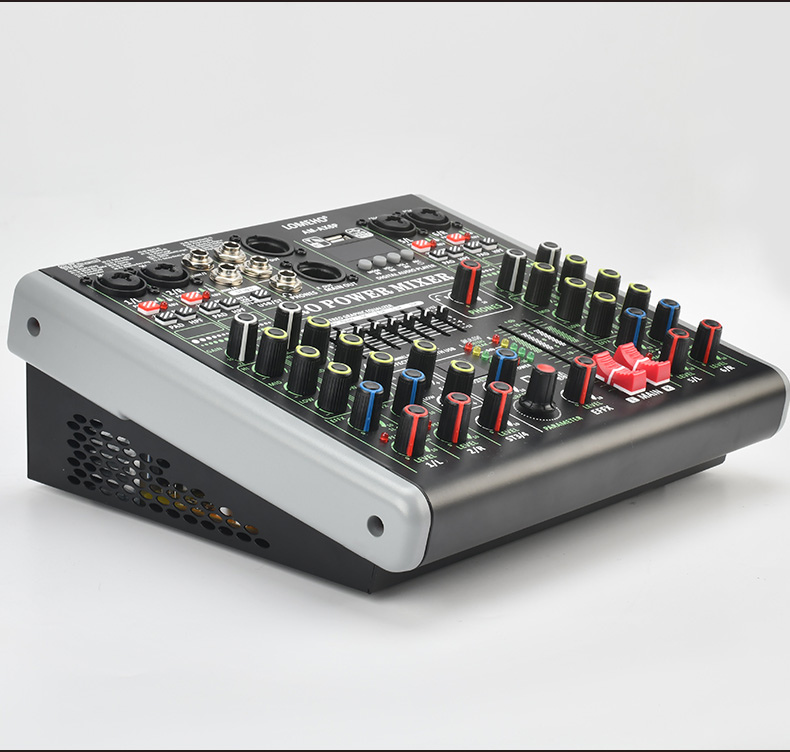
LOMEHO 6 channels power mixing console 2*100W bluetooth 99 effects sound mix table Individual 48V USB PC record play AM-AX6P
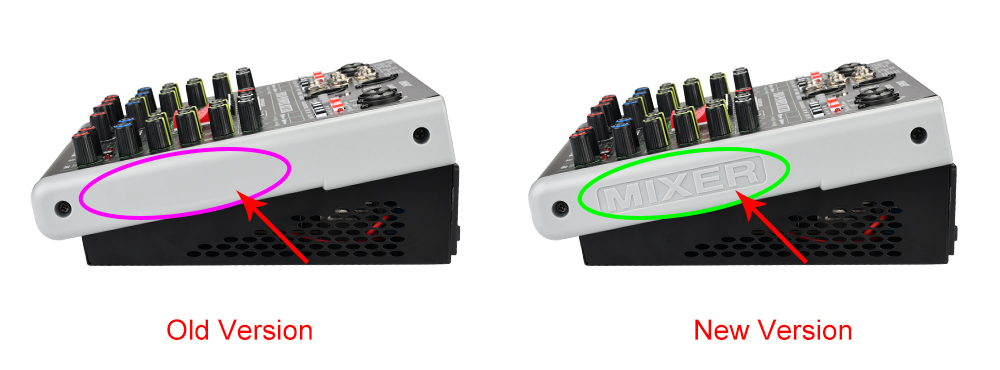
Please Note:
All functions are the same of new and old version.
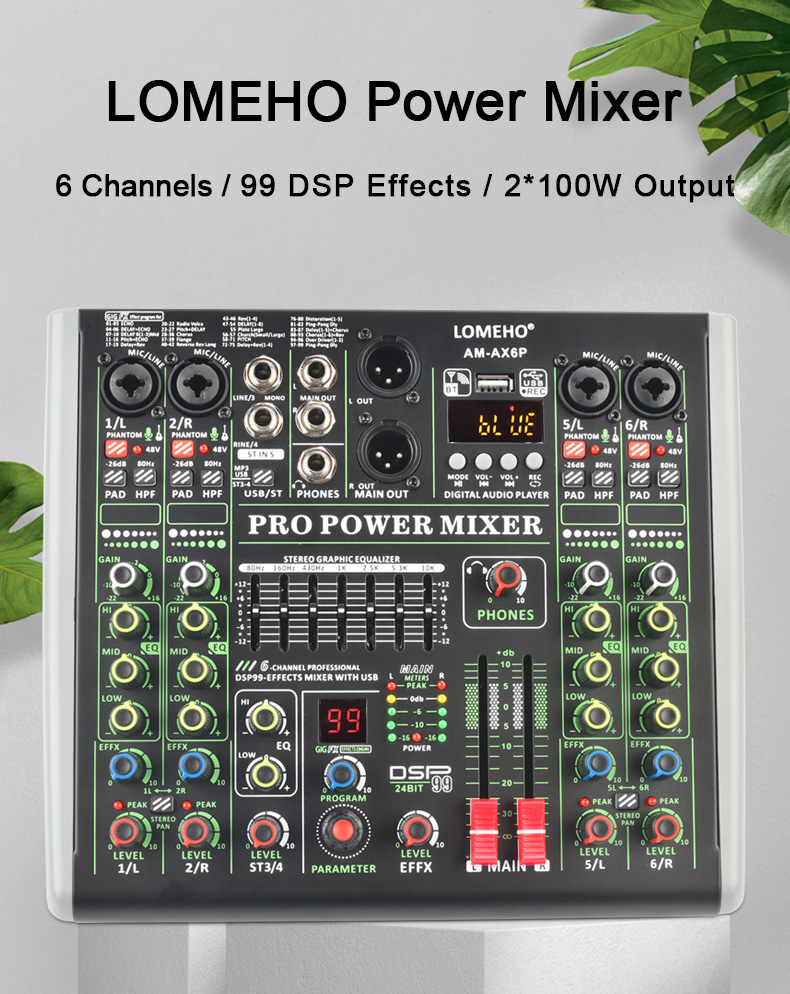
(1) Power supply: AC 110V-220V
(2) Individual +48V phantom power
(3) Bluetooth function
(4) USB play, play format: FLAC, MP3, WAV, WMA
(5) USB record, record format:MP3
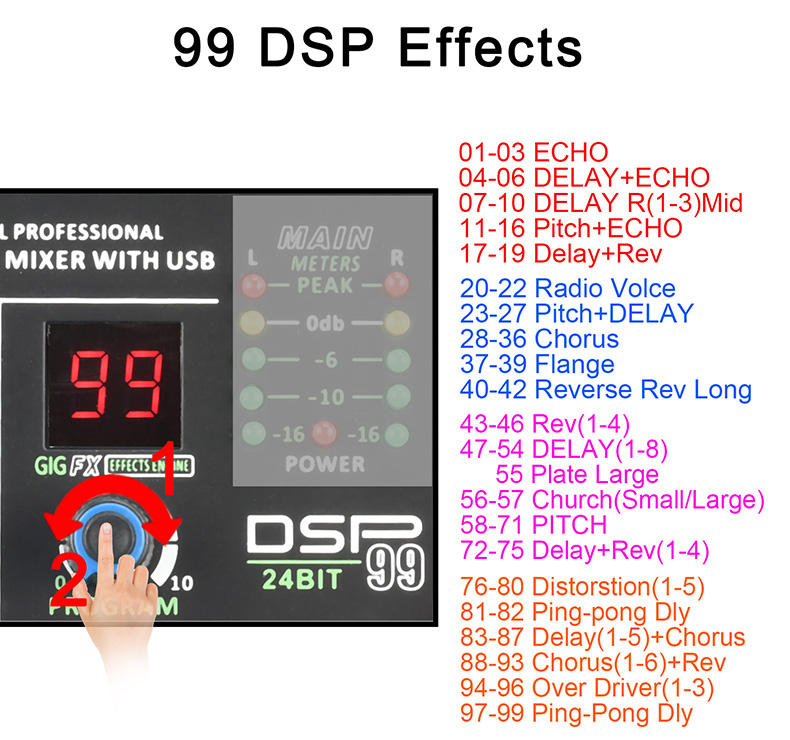
(6) 99 DSP effects
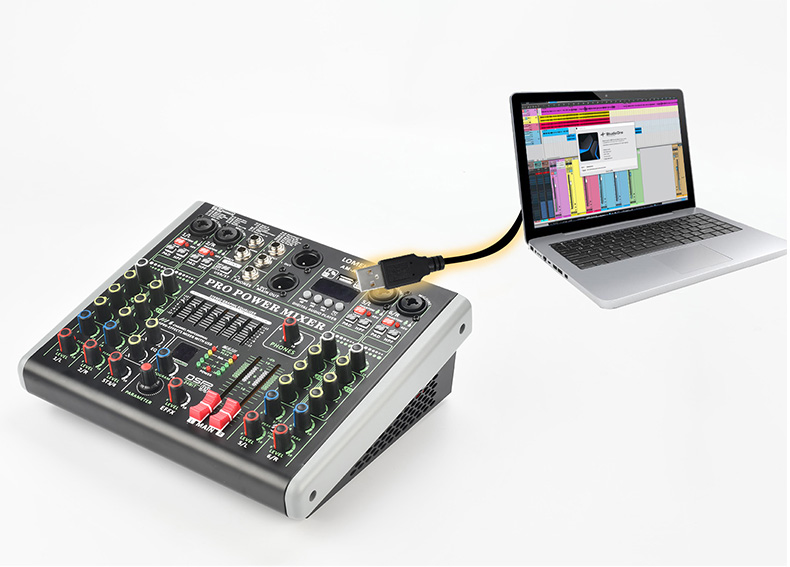
(7) PC record and play
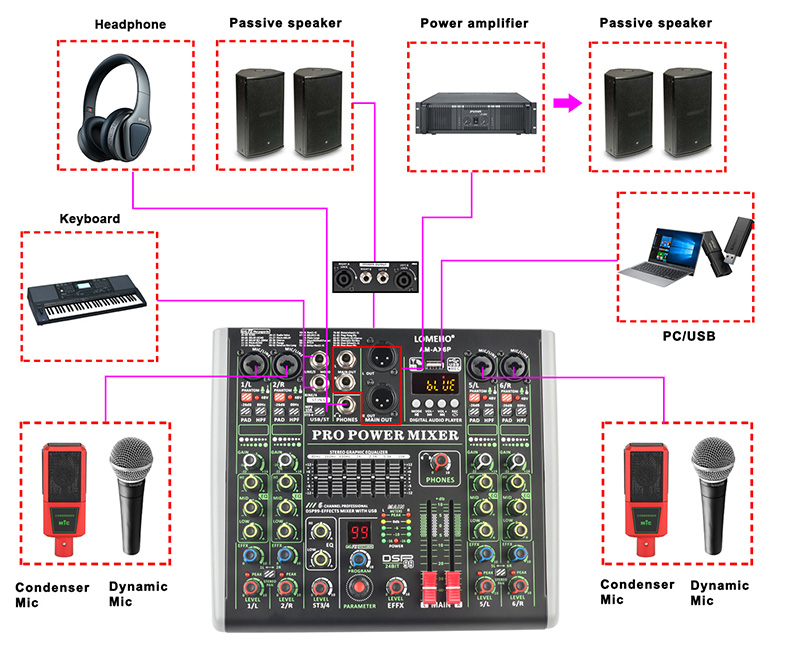
(8) Built-in 4Ω 100W output power amplifier
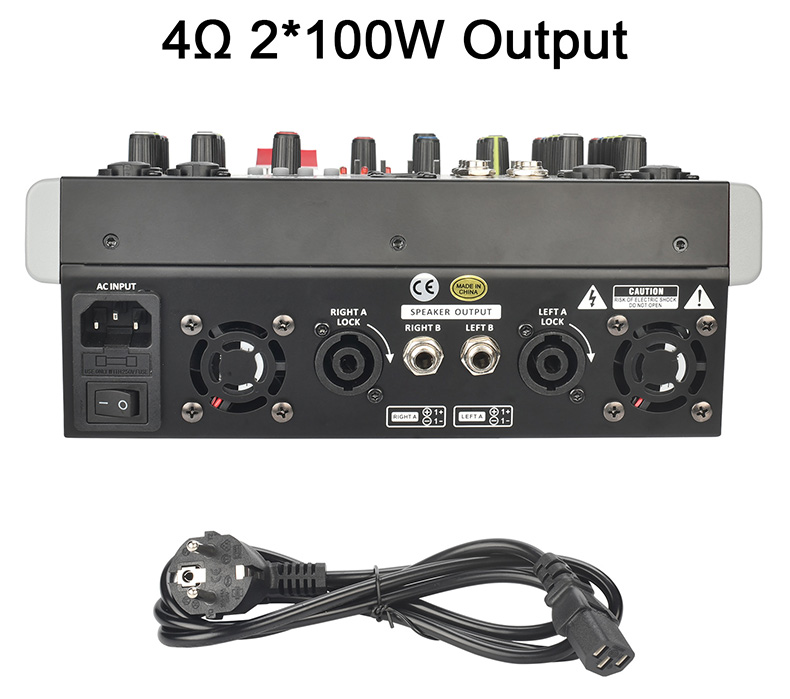
(1) Working Power: AC 110V-220V
(2) Built-in 4Ω 100W output amplifier
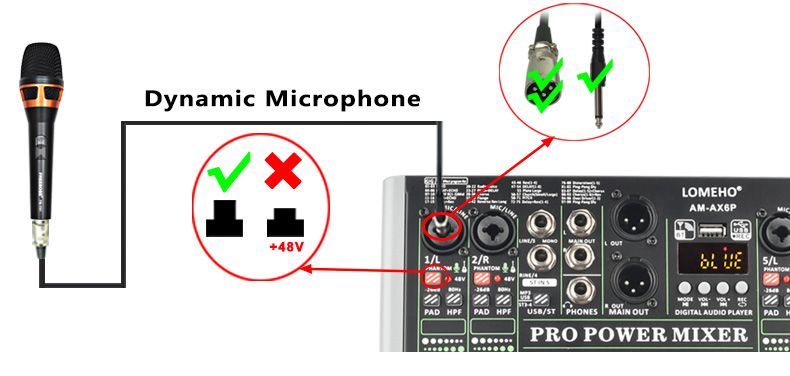
(1) Press down "+48V" button, LED light is on, +48V phantom power works
(2) Individual +48V phantom power for each channel
(3) +48V phantom power is only for XLR socket, not for 6.3 socket
Dynamic Microphone
when you connect dynamic microphone to audio mixer with XLR cable, please do not power on +48V phantom power
Condenser Microphone
If your microphone is +48V condenser microphone, please connect it to mixer via XLR cable, and power on +48V phantom power
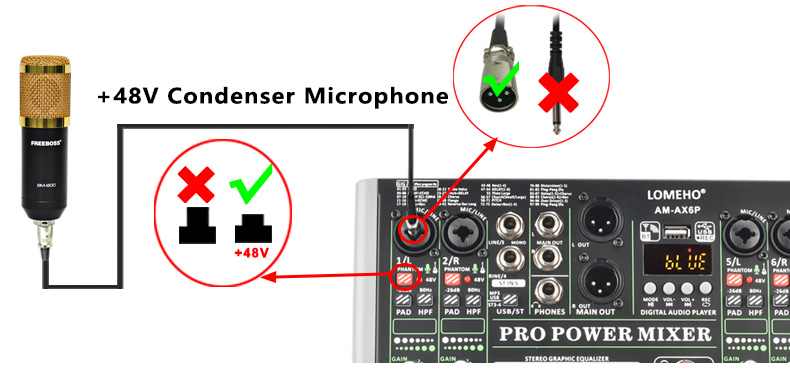
Please note:
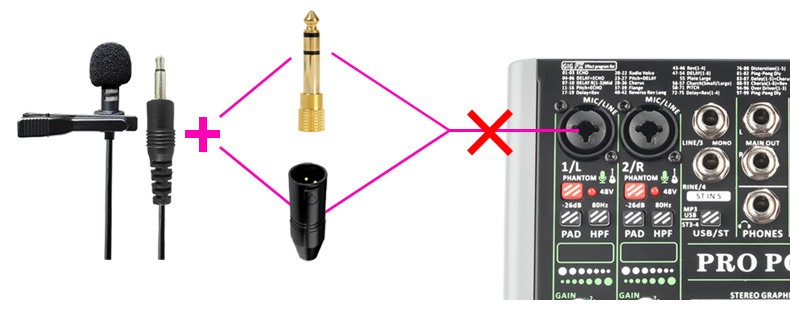
For this model, it dose not support non-48V condenser microphone. (such as 3.5mm plug condenser computer microphone)
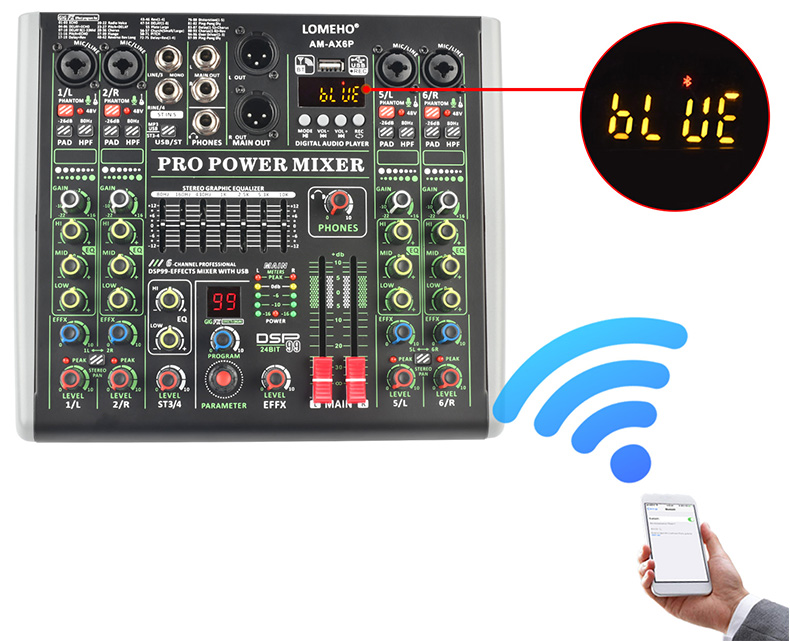
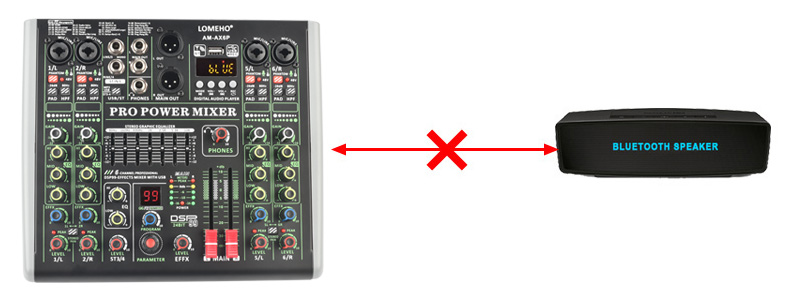
4. Bluetooth Function
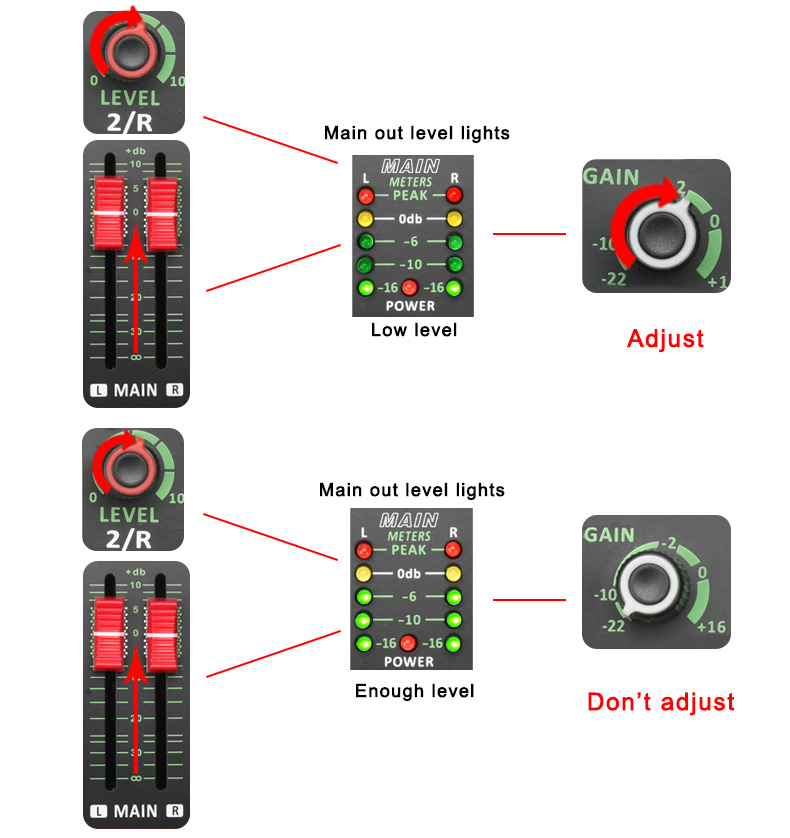
Volume adjusts
(1) MP3/ST3-4 button remains up
(2) Rotate LEVEL ST3/4 knob, adjust the channel volume to main out
(3) Adjust main out output
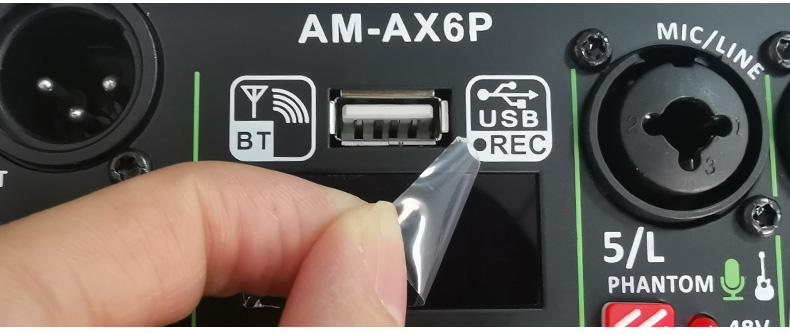
(1) Protective film on the display:
There is a protective film on the display to prevent the display from being scratched. If the protective film is not clear, you can tear off the protective film
(2) USB port is not for USB microphone, you can't connect USB microphone to audio mixer
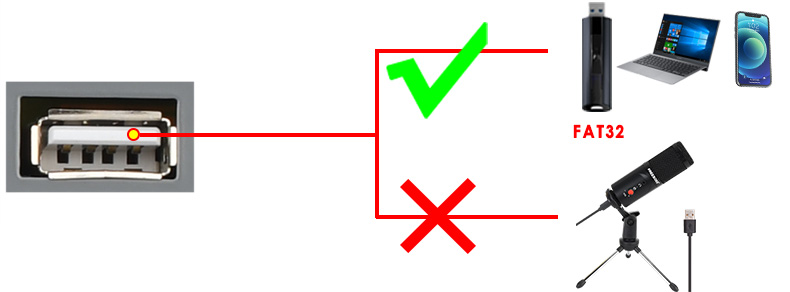
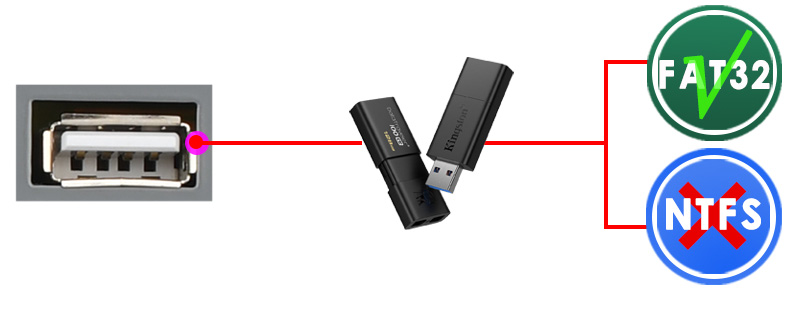
(3) USB format:FAT32
A) USB port can't recognize NTFS U-Disk
B) There is at least one song in the Fat32 U-Disk
(4) USB play:
A) Play format: MP3, FLAC, WAV, WMA
B) Insert U-Disk into USB port, U-Disk will play automatically
(5) USB record:
A) Insert a FAT32 U-Disk, and there is at least one song in the U-Disk
B) Record format: MP3
C) Record operation:
(a) Long press "REC" enter to record (when recording, the "REC" is flashing)
(b) Long press "REC" to finish record and play the latest record file
(1) Choose effects
A) Rotate "PARAMETER" knob to the number of the effect you want,then the number is flashing
B) Press "PARAMETER" knob to confirm your selection, then the number stops flashing
C) In the process of the flash of the number, if you do not press "PARAMETER" knob over 3 seconds, the number will come back to Pre-effect-number
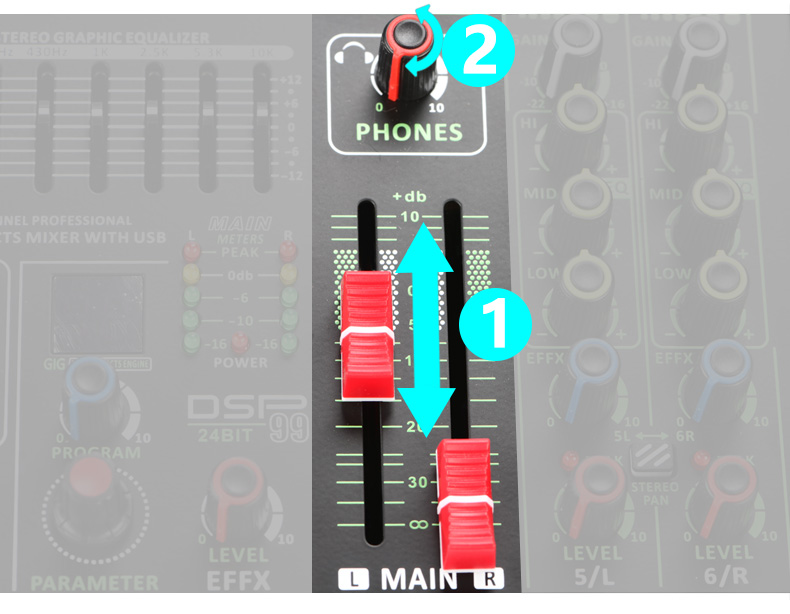
1. Adjust main out output
2. Adjust "PHONES" knob